Hands up who’s favourite part of their transcription workflow is combing through entire transcripts looking for the good bits? Not many of you, right?
While it can be satisfying to find that golden nugget, the top quote, the moment your interviewee said exactly what you needed, it can also be a grind going back through the whole transcript to find it. And if you’re working against a deadline, it can feel like you’re spending more time hunting than actually creating.
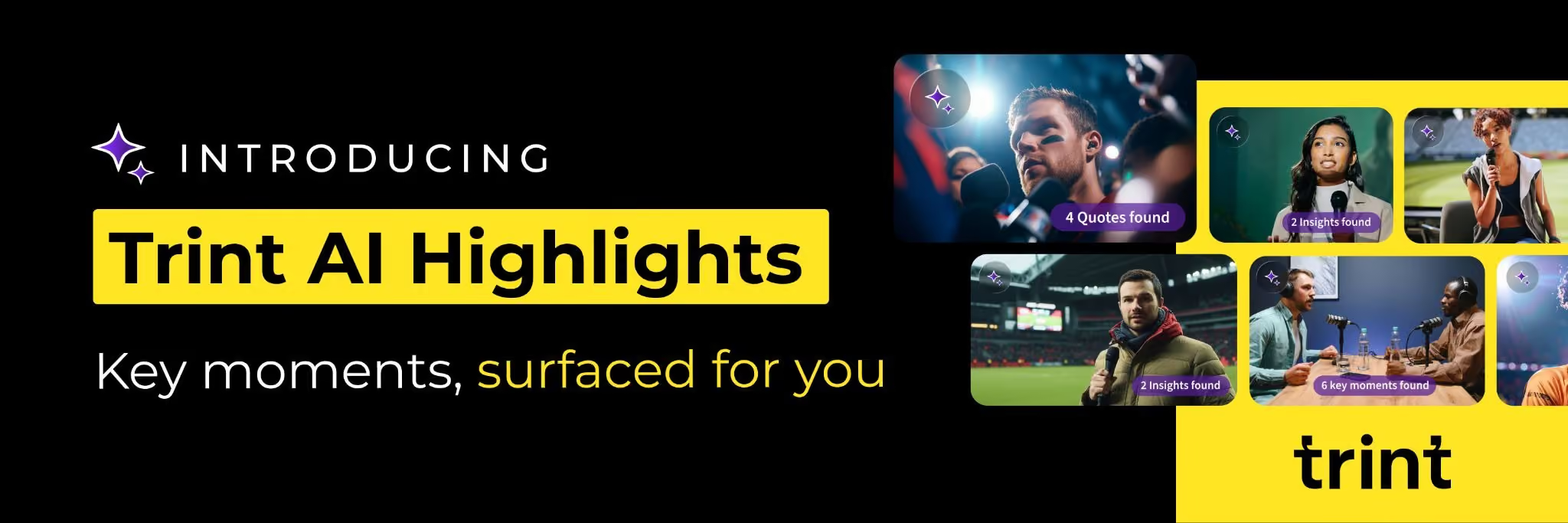
Enter AI Highlights.
AI Highlights is a feature that sits inside the Trint AI Assistant, alongside the chat and AI-Generated Summaries, doing all the heavy lifting of finding key moments in your transcript. It’s easy to use and will make your editing process a breeze. Here’s how:
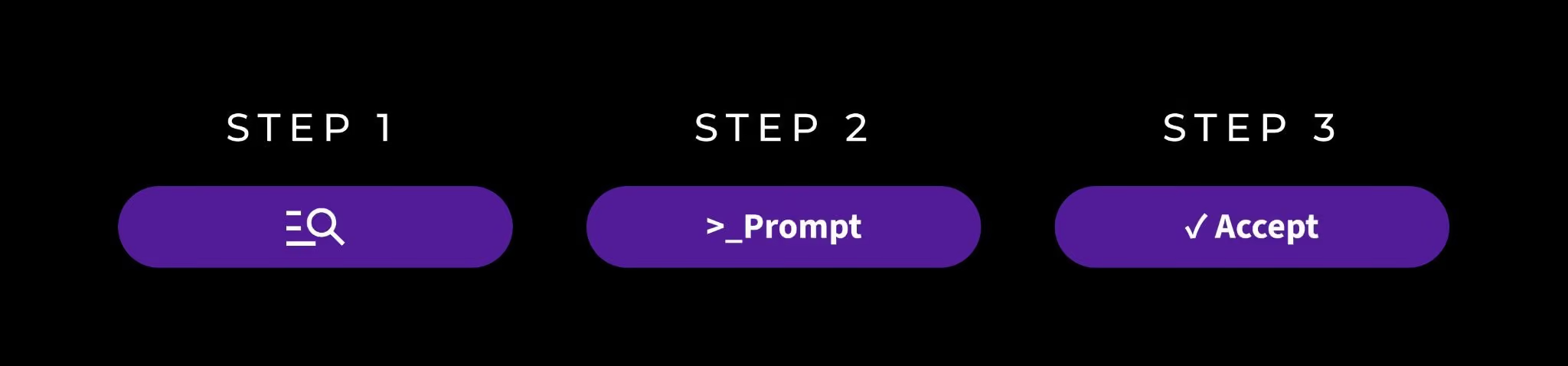
Step 1: Once your transcript is ready, you can select the Suggest Highlights button at the top of the editor.
Step 2: From there, you have the ability to tell the AI what you’re looking for – whether it’s a specific topic, a particular person’s insights or just the best key takeaways. With this, you can be as specific or open-ended as you like or even skip the prompt section entirely.
Step 3: Trint’s AI will then come back with a curated shortlist of highlights from your transcript. This is the moment you come in to review the suggestions and approve or reject them, leaving you with a focused set of moments ready to work with.
For more information on how to use Trint’s AI Highlights feature, read our support article.
If you’re thinking no, I still want to have control over my quotes and key moments, you don’t need to worry. You still have that control. AI Highlights is a suggestion tool, not a decision-maker. The AI curates, you choose.
Every highlight picked out by the AI Highlights tool is yours to approve or reject, with nothing going anywhere without your input. This is all about that crucial balance between AI speed and human judgement.
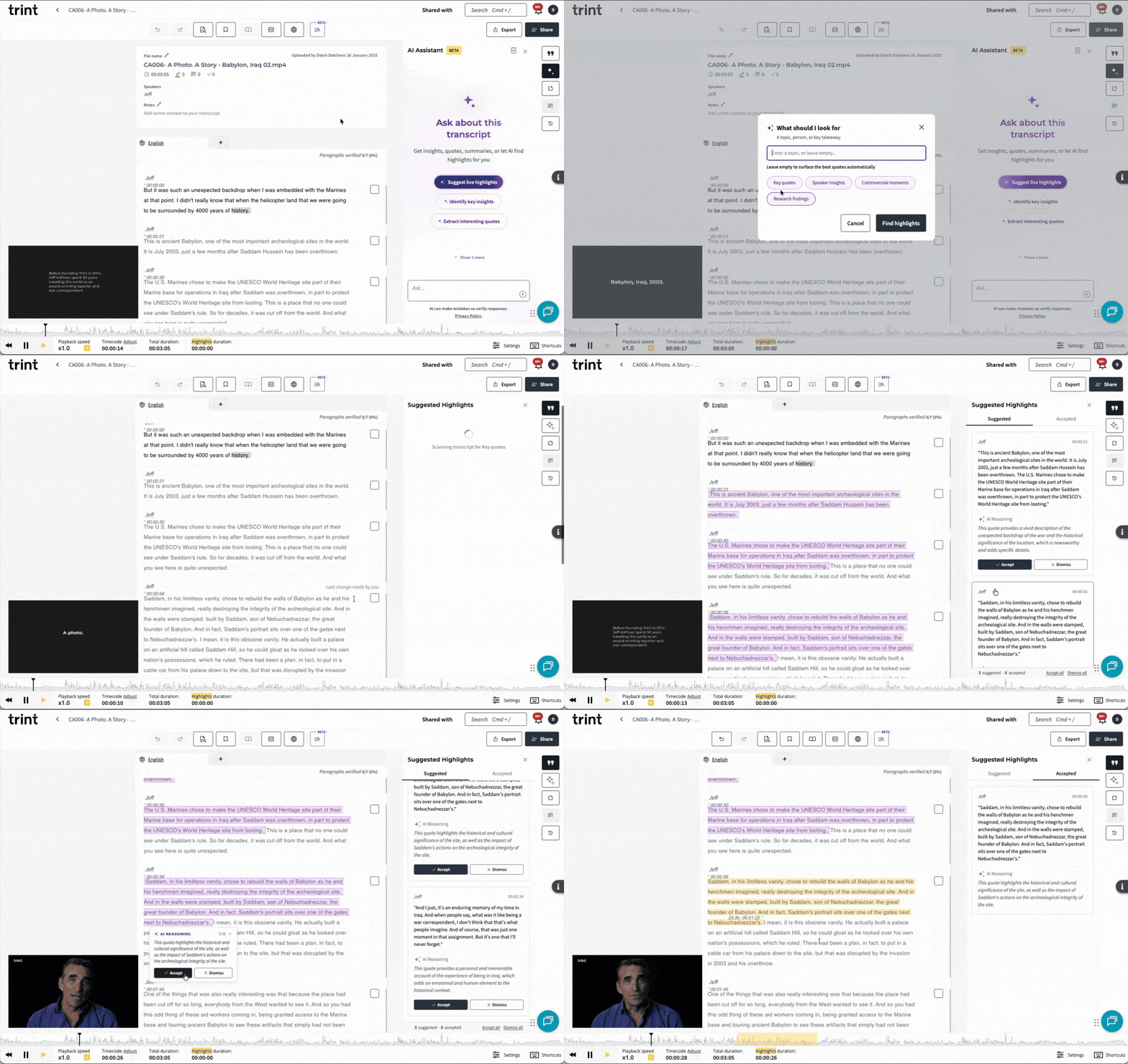
Journalists, broadcasters, live event teams, you heard that right. AI Highlights works in real time, meaning you can automatically get those quotes while the interview is happening and your team can check them back in the studio. Here’s some more detail on the two modes of AI Highlights:

Rest assured, AI Highlights isn’t here to replace editors and content creators. It’s here to enhance the editorial workflow and support teams across the board. As the human is always in charge of what makes the cut and no decisions are made without your team in the loop.
What’s more, you can choose how and when it works for you. If you’re only interested in using the AI Highlights while covering live content, you can use it just in those moments. If you’re on a deadline and need to get those best quotes out asap, you can use AI Highlights to support that particular transcript, ensuring you get the work out as quickly as possible.
AI Highlights is available now inside the Trint AI Assistant. Find it alongside AI-Generated Summaries and the AI Assistant chat – all helpful tools ready to make sure you get the most out of your Trints. Give it a go on your next long transcript and watch the AI Highlights get to work, helping you gather your best moments efficiently and effectively, every time.