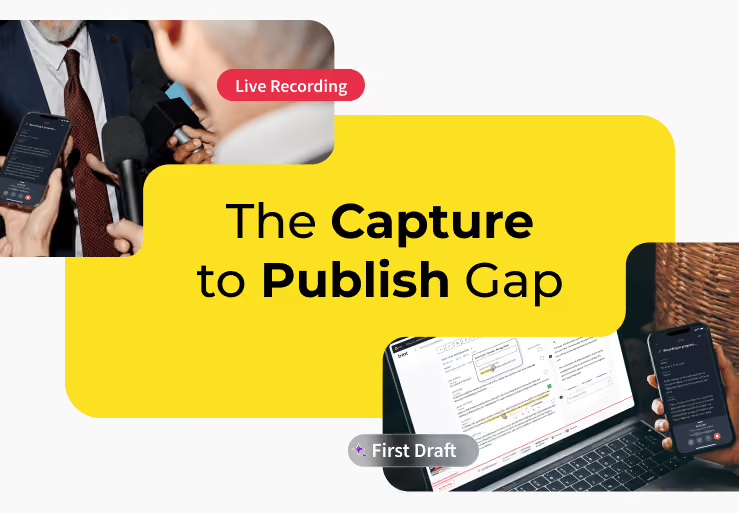
For years, the pressure was simple: get the story, check the facts and publish before anyone else. Now, it's not just about being first, but being right too. When a video goes viral or a recording appears to capture a major news event, publishing first means little if the evidence doesn't hold up.
AI-generated audio, deepfakes and clips stripped of their original context have added an extra level of complexity to an already demanding workflow. Sometimes, the footage is real, but the caption is wrong. Sometimes a video from three years ago suddenly starts doing the rounds as breaking news. The internet has plenty of ways to mislead readers and viewers without anyone needing to generate a fake face or clone a voice.
That pressure is real. Cision's 2026 State of the Media Report found that 50% of journalists identified misinformation as one of their biggest professional challenges, with resource constraints close behind at 49%.
But the answer isn't to abandon speed. It's to build verification into the reporting process from the start. This guide introduces a six-step verification playbook for authenticating audio and video before publication. Use it to check the source, establish provenance, verify speakers and more. We'll cover:
- The six-step verification playbook at a glance
- Source
- Provenance
- Timestamp
- Speaker
- Context
- Corroboration
- What verification tools can do (& what they can't)
- How Trint supports the verification workflow
- FAQs
The six-step verification playbook at a glance
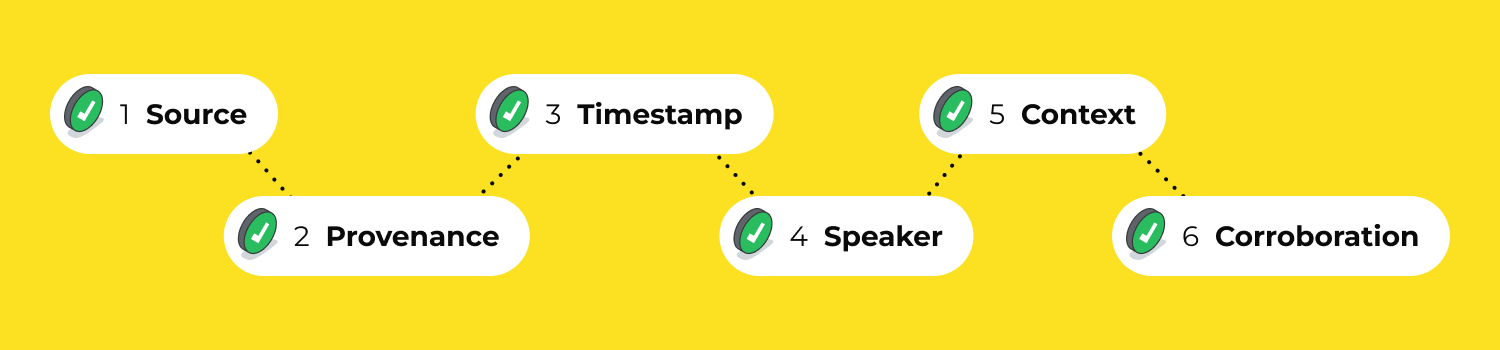
When a recording could influence a news story, follow these six checks before publishing.
- Source: Who supplied the recording and how did they get it?
- Provenance: Can you trace the original file and establish its history?
- Timestamp: Does the recording's timing match the claims being made about it?
- Speaker: Can you establish who's speaking?
- Context: Does the complete recording support the interpretation presented in the clip?
- Corroboration: Can independent evidence support the recording's key claims?
Work through the steps in order, recording what you know, what you've checked and what remains uncertain. You might not be able to answer every question, but you should know which ones you can't answer before you publish.
1. Source: Who gave you the recording?
It sounds obvious, but your first step is always to identify the person or organization that supplied the information. Ask who recorded it, who first shared it and how it reached you. If any eyewitness sent it directly, establish what they saw and whether they were present when the footage was captured. If it came from a social media account, look into the account's history and whether it has a credible connection to the event.
Anonymous sources need particular care. You can still verify the source while protecting their identity, but you will need to establish how they obtained the recording, why they're sharing it and whether they have a reason to misrepresent it.
Check before moving on:
- Can you identify the original source, even if you can't publish their name?
- Does the source have direct knowledge of the event?
- Can they explain how they got the recording?
- Do they have a motive to mislead you?
2. Provenance: Find the original
A recording might pass through several people before it reaches your newsroom. Someone downloads it, crops it, adds subtitles, compresses it and reposts it. By the time it reaches your inbox or group chat, the original might be several steps removed.
Try to obtain the original file directly from the person who recorded it. If the source can provide the unedited recording, ask for it. A longer version might reveal cuts or details that a short clip conveniently leaves out. If the clip came from a phone call, our guide to how to record a phone call covers what a proper original file looks like.
Check the metadata, too. File properties might contain information about when a recording was created, the device used or whether an editing tool processed it. Just be aware that metadata isn't a magic authenticity stamp and can disappear during file transfers. Some fields can also be altered. Likewise, an absence of metadata doesn't automatically mean someone has tampered with the file. Look for signs of editing, abrupt audio changes, inconsistent lighting or visual details that don't match. These aren't instant proof of fakery, but they are details to investigate further.
Check before moving on:
- Have you obtained the earliest available version?
- Do you know who handled or edited it?
- Have you preserved the original file?
- Are there unexplained cuts, edits or inconsistencies?
3. Timestamp: When did it happen?
Even a completely genuine video can still tell a false story if it's attached to the wrong date, place or event. Check the recording's timestamp where available, but don't stop there. Compare it with the source's account, weather conditions, visible landmarks, signage and other details in the footage. Look for independent reporting or eyewitness accounts that support the claimed time and location.
A timestamp on its own proves very little. Device clocks can be wrong, metadata can change, and a file's upload time tells you when it appeared online, not necessarily when someone recorded it. If the clip supposedly shows a protest this morning, for example, look for details that connect it to that specific event. Do the signs, buildings, weather and crowd match what other reliable sources report?
Check before moving on:
- Does the recording fit the claimed date and time?
- Can you verify the location using visible details?
- Does independent evidence support the timeline?
- Have you distinguished the recording time from the upload time?
4. Speaker: Who's actually talking?
A familiar voice can be reassuring. It can also be cloned.
When verifying audio, try to establish who's speaking and whether the recording genuinely belongs to them. Start with the source and circumstances: who made the recording, who was present and whether anyone can independently confirm the speaker's identity.
Listen to the full recording where possible. Compare the voice with verified material if you have a legitimate reason and a reliable reference. Pay attention to unusual changes in tone, pacing, pronunciation or background sound, but don't treat any single audio quirk as proof of manipulation. Real people pause, stumble and sound different depending on the circumstances.
Transcription and speaker-recognition tools can help you identify speakers, find quotes and organize recordings, but they can't confirm someone's identity just by analysing their voice. Speaker labels are a good starting point, but always check them against other reliable evidence before attributing a quote.
If the recording could have serious legal ramifications, raise the threshold accordingly. A voice that sounds like a public figure isn't enough to attribute a quote to them, especially if the quote could be controversial.
Check before moving on:
- Can you establish who is speaking and how you know?
- Have you checked the full recording rather than an isolated excerpt?
- Does the attribution have independent support?
- Have you treated automatic speaker labels as suggestions, not facts?
5. Context: Does the clip tell the whole story?
This is where things can get particularly slippery. A recording can be completely genuine and still mislead an audience. A few seconds of video might omit what happened immediately before or after. An audio clip might start halfway through a sentence or a quote might sound damning until you hear the question that prompted it.
Make sure to review the surrounding material before deciding what a clip means. Listen to the full exchange and check whether edits remove any important qualifications or change the apparent meaning.
Transcripts make this much easier because you can search for names, phrases and key moments without replaying an hour-long interview from the beginning. That being said, always return to the audio or video before quoting to confirm names, technical terms and overlapping speech to ensure the quote accurately reflects what the speaker said. Check the wording, speaker attribution and timestamp too, to make sure the quote preserves the original meaning.
Check before moving on:
- Have you reviewed enough of the recording to understand the exchange?
- Does the excerpt preserve the speaker's meaning?
- Have you checked the transcript against the original?
- Would the missing context materially change how an audience understands the clip?
6. Corroboration: What else backs it up?
One source can be mistaken, one recording can be manipulated and 10 social media accounts sharing the same clip might still amount to just one source. Look for independent evidence, like eyewitness accounts, official records, statements from people involved or other recordings or reporting from credible outlets, that support the recording's key claims. One key thing to bear in mind is that repairing the same original claim isn't the same as having genuinely independent access to a source or information.
For video, compare visible details with photos, maps, verified footage and other evidence from the location. For audio, look for independent confirmation of the conversation, event or statement. Where possible, seek comment from the person or organization featured in the recording.
AI detection tools can form part of this process, but they shouldn't make the decision for you. Detection systems aren't always accurate, particularly as synthetic media evolves. Don't let the result from one tool be a final verdict.
The aim is to build a body of evidence that supports your reporting. If key questions remain unanswered, record those gaps and escalate them to an editor. Depending on the story, you may need to hold publication, seek further evidence or explain the uncertainty clearly.
Check before publishing:
- Does independent evidence support the recording's key claims?
- Have you checked whether other sources rely on the same original material?
- Have you investigated contradictions rather than ignoring them?
- Can you explain what you verified, what you couldn't and why you're confident enough to publish?
What verification tools can do (& what they can't)
You don't need to do every part of verification manually. The right tools can make it much easier to search recordings, check quotes and review source material under deadline pressure. Transcription tools can turn long audio and video recordings into searchable text. Timestamped playback helps journalists jump straight to the relevant moment and check a quote against the original. Speaker recognition can help distinguish voices in a conversation, while collaboration features let reporters and editors review the same material.
The important distinction is that these features can save time, but a transcript won't tell you whether an interviewee is lying. Speaker recognition won't prove someone's identity. An AI detector won't settle every question about whether a clip is genuine. And no tool can decide whether the available evidence meets your newsroom's editorial standards.
You can use technology to make verification faster and more systematic, while keeping editorial judgment where it belongs: with people who understand the story, the source and the consequences of getting it wrong.
How Trint supports the verify-first workflow
Verification often means moving between recordings, transcripts, notes and colleagues, all while a looming deadline gets closer. Trint helps newsrooms bring that work together.
With searchable transcripts, timestamped playback and speaker-recognition features, journalists can find relevant moments, check working against the original recording and review conversations more efficiently. Teams can also collaborate on source material without losing sight of the recording behind the transcript.
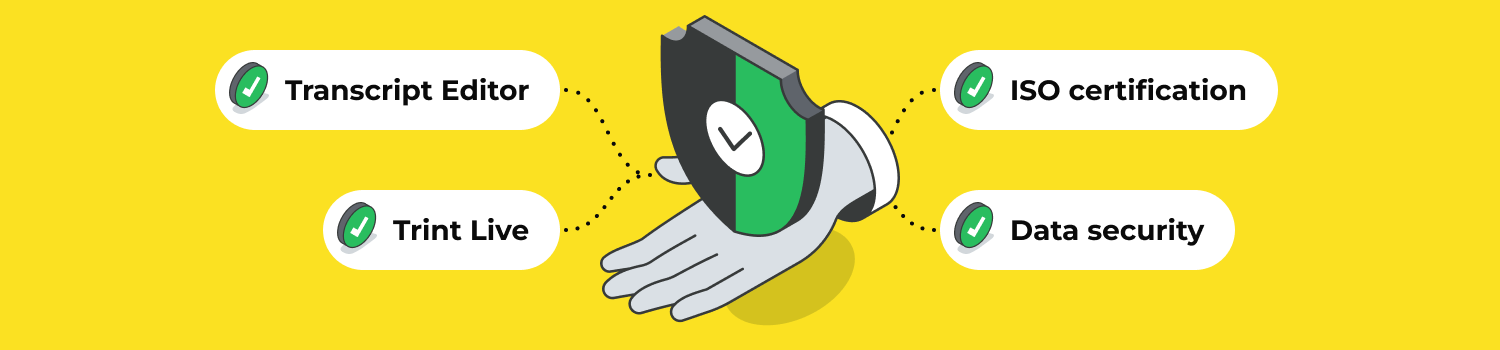
Trint's Editor makes it easy to keep track of the verification progress with handy tick boxes, which let you mark individual transcript paragraphs as reviewed. Just open your transcript in the Trint Editor and work through it paragraph by paragraph. As you check each section against the original audio or video, tick the box on the right-hand side of the paragraph. Trint turns the box green to show that you've reviewed it, while the Paragraphs verified counter at the top of the transcript updates automatically.
This gives you and your colleagues a quick overview of how much of the transcript you've checked and which sections still need attention. You can also use the Editor's comments and highlights to flag important passages, add context or draw a colleague's attention to something that needs a closer look. For a step-by-step walkthrough, see Trint's guide to reviewing transcripts and using verification tick boxes in the Editor.
Features like these help make verification a more manageable part of the reporting process, rather than a last-minute hurdle before publication. Trint helps journalists organise and review their source material, giving them more time to investigate the evidence and make informed editorial decisions.
The final responsibility for authenticating a recording and deciding whether it's ready to publish, of course, remains with the newsroom. Our guide to how newsrooms can use AI transcription to fight fake news looks at why human-led verification is what builds audience trust.
It doesn't just stop at the transcript either. The Story Object Model (SOM) is an open standard that lets newsroom tools and AI agents share the same up-to-date context for a story. This includes where material came from and what has been signed off. Agents can only suggest and nothing moves forward until a person approves it.
For a real-world example of how Trint supports newsroom workflows, take a look at the AFP customer story. The global news agency uses our live transcription features to keep pace with breaking news, capture speeches and press briefings, and share important quotes with colleagues across different offices.
For newsrooms handling sensitive recordings, data security matters as much as speed. Interviews may contain confidential sources, unpublished information or material that needs careful handling before it reaches the public. Trint takes this responsibility seriously, with measures designed to protect customer content and control who can access it. These include encryption for data in transit and at rest, ISO 27001 certification and access controls that require customer permission before Trint staff can view uploaded content.
You can explore these measures in Trint’s Security FAQs, or visit the Data Security Support hub for more detail on file access and data storage. For a closer look at how newsrooms can use AI transcription without putting confidentiality at risk, read our guide to AI transcription and data privacy. It’s worth reviewing these policies as part of your newsroom’s wider approach to handling sensitive material.
Frequently asked questions
How do journalists verify a video before publishing?
Start by identifying the source and finding the earliest available version. Check the file’s provenance, confirm when and where it was recorded, assess the identity of anyone featured, review the surrounding context and corroborate its claims with independent evidence. Keep a record of your checks and flag any unresolved questions before publication.
How can I authenticate audio from an anonymous source?
Protect the source’s identity where necessary, but still establish how they obtained the recording and whether they have direct knowledge of the events. Seek the original file, examine its provenance, review the full recording and verify the speaker and content through independent evidence where possible. An anonymous source may be legitimate, but anonymity alone doesn’t authenticate their material.
Can AI detection tools tell me whether a recording is fake?
They can provide useful signals, but they can’t guarantee a reliable answer in every case. Detection tools may miss synthetic content or flag genuine recordings incorrectly. Use their results alongside source checks, provenance, contextual analysis and independent corroboration.
How do I verify a quote from a recording?
Listen to the original audio or video and check the exact wording against the transcript. Confirm the speaker and timestamp, then review the surrounding exchange to make sure the quote preserves the intended meaning. Check names, figures and technical terms carefully, particularly where automated transcription may have misheard them.
Is transcription the same as verification?
No. Transcription turns speech into text, making recordings easier to search and review. Verification establishes whether the recording is authentic, who created it, who is speaking, whether the context is accurate and whether independent evidence supports its claims. Transcription can support that work, but it can’t replace it.
Should journalists publish an unverified recording?
If you can’t establish whether a recording is authentic or whether it accurately represents the event, pause and assess the risks with an editor. The decision depends on the story, the public interest and the evidence available. If publication is justified despite uncertainty, make the limitations clear rather than presenting unverified claims as established fact.

When a recording lands in your inbox, the temptation is to find the quote, cut the clip and get the story out. But a convincing recording isn’t necessarily an authentic one, and an authentic recording isn’t necessarily an accurate account of what happened.
A repeatable verification process helps journalists move quickly without skipping the questions that matter. Check the source, trace the file, establish the timing, verify the speaker, examine the context and corroborate the claims.
Want to see how Trint could fit into your newsroom's workflow? Book a call with the Trint team to explore how its transcription, search and collaboration features can help your journalists work more efficiently and get stories ready for publication.




Tessa Kaday
DON'T take our word for it
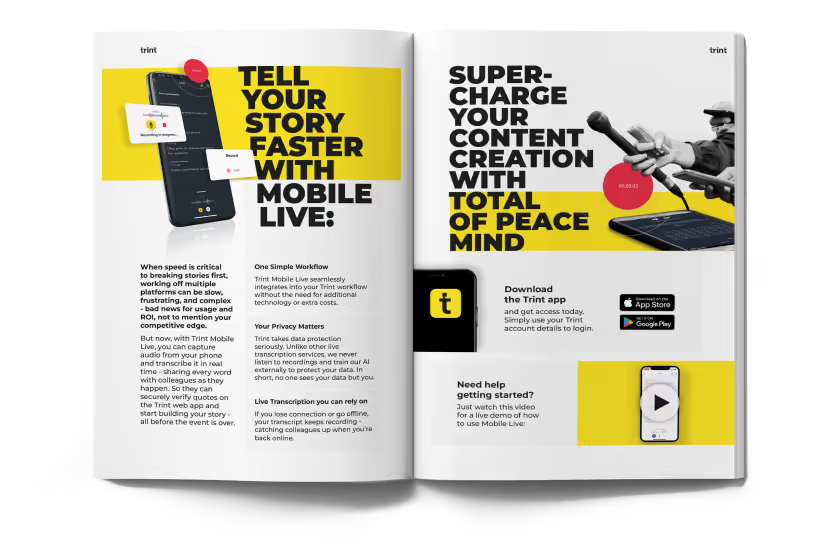
Download our eBook, Telling Stories Faster With Trint, and hear how Trint is making content creation faster, easier and, most importantly, painless for newsrooms across the world.
Download
The Verification Playbook: How to Verify Audio & Video Before Publishing
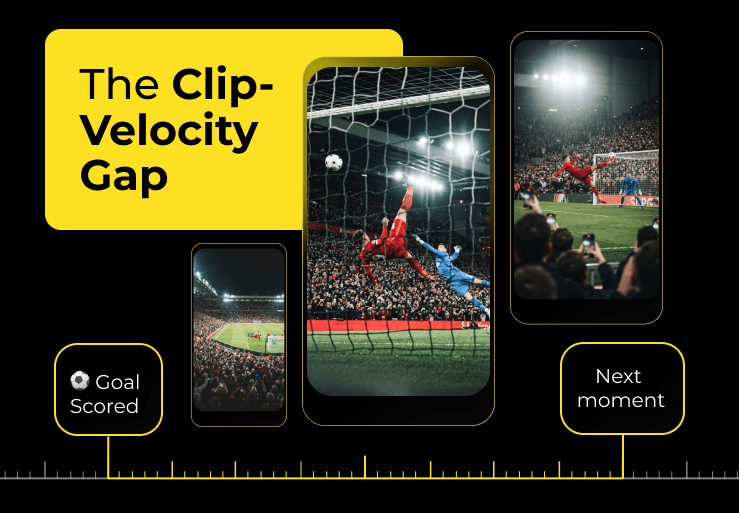
The Clip-Velocity Gap: Why traditional sports content production can't keep up with fan demand