Captions are no longer just a nice-to-have content accessibility feature. They've become a core part of how video performs online. In fast-moving news cycles and crowded social feeds, audiences are scrolling quickly, watching silently and making split-second decisions about what to engage with.
For media teams and communicators, that changes everything. Captions now play a key role in how stories are seen and understood. They're especially vital if you want to create content that cuts through the noise. Here, we'll cover why captions have become essential for video engagement and how you can make the most of them.
Captions, subtitles & transcripts: what's the difference?
To understand how captions can help your content, it's important to understand what they actually are. The terms caption, subtitle and transcription are often used interchangeably, but they’re not exactly the same thing.
Captions
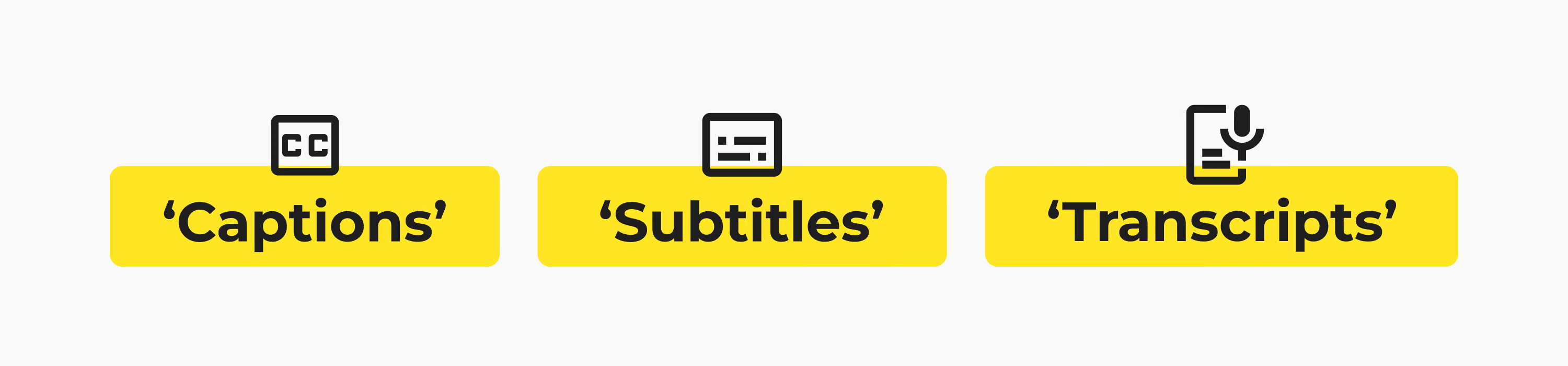
Captions are on-screen text designed to make video accessible and easier to follow. They usually include spoken dialogue plus important non-speech elements like music, sound effects or speaker identification. Captions can be open (burned into the video) or closed (turned on and off by the viewer).
Subtitles
Subtitles are typically used to translate spoken dialogue into another language. Unlike captions, they don’t always include additional audio context like background sounds or music cues.
Transcripts
Transcripts are full text versions of spoken content. They’re often used for editing, archiving, searchability and repurposing content into articles, clips or social posts. You can find out more in our guide to what is a transcript.
Winning the battle over misinformation
In an era of misinformation, trust matters more than ever. In a survey from Reuters Institute, 58% of respondents were worried about what is real online when it comes to news. US respondents in particular rated it as a major concern. Social media sites like Facebook and TikTok were seen as the biggest leaders of misinformation.
For verified media outlets, engagement and reach have become increasingly critical. When you're competing against clickbait and AI-generated social content, speed alone won't cut it. It's not enough to be the first to report. You also need to be the first to verify.
That creates a major challenge for newsrooms and media teams. AI-slop can be generated in mere seconds. Clips can be taken out of context and misleading quotes can spread rapidly across social feeds before full reporting catches up.
Captions act as a secondary verification layer. When a verified quote appears directly alongside the original footage, it becomes much harder for clips, quotes or soundbites to be misrepresented.
Capturing & holding attention
Gone are the days when major news outlets were the go-to for information. Now, you're competing with fast-moving social media platforms for viewer attention. People are turning to Facebook, TikTok, X and YouTube to get their news quickly. So, not only do you need to work fast, but you need to keep audiences watching.
Captions might seem small, but they can have a major impact on video engagement and reach. According to a Verizon Media and Publicis Media survey, viewers are 80% more likely to finish a video when captions are included (Forbes).
That increased watch time can have a direct impact on video performance, too. Longer viewing sessions signal stronger engagement to social platforms, helping content travel further and reach wider audiences.
Audio is taking a back seat
Viewing habits are also changing. Audiences are consuming more content on mobile devices, often in public places where watching with sound isn’t practical. According to the Verizon Media and Publicis Media survey, 69% of US consumers rely on captions because they watch videos without sound in public. A quarter of users say they watch video without sound, even at home. That's a significant share of potential viewers you might be missing out on.
It's also worth bearing in mind that most social platforms autoplay video without sound by default. On platforms like LinkedIn, Instagram and TikTok, captions often determine whether someone keeps watching or keeps scrolling. They communicate instantly what your video is about before audio is enabled (if it is at all), especially if audiences are consuming information passively.
Picture this: a major story breaks midway through the working day. Someone is scrolling LinkedIn between meetings or checking TikTok on a crowded train with their phone on silent. A video appears in their feed showing a politician, journalist or eyewitness speaking directly to camera.
There are no captions, so nothing to grab their attention, and they scroll past before they even understand what’s being said. But clear on-screen subtitles instantly communicate the key message, giving audiences a reason to stop, watch and engage.
Those first few seconds can make the difference between a story gaining traction or disappearing into the scroll. And when more than 100 empirical studies have shown that captions improve comprehension, attention and retention (PMC), that makes them invaluable to newsrooms.

Preserving context
Short clips travel fast online. Context usually doesn’t.
A single quote clipped from a longer interview can quickly take on a completely different meaning once it's shared across social media. Captions help audiences follow the full message more clearly by reinforcing tone, wording and intent directly alongside the video.
That added context matters in fast-moving news cycles where clips are consumed in seconds and shared without the original source attached. A misleading headline or cropped soundbite can spread quickly before audiences see the full story.
The 2020 US presidential election campaign has become one of the most visible case studies in modern online misinformation. In the weeks leading up to the vote, social platforms were flooded with short-form clips, selectively edited videos and misleading claims about the electoral process.
One widely reported example involved an edited video of Joe Biden that circulated on Twitter in March 2020. The clip removed the surrounding context from a speech, changing the meaning of his remarks.
It was later labelled by Twitter as “manipulated media” — one of the platform’s first uses of its synthetic media warning system — but by that point, the video had already been viewed by millions (Reuters).
In this case, the issue was not just the clip itself, but how quickly meaning can shift once video is separated from its original context and redistributed across platforms. Captions help reduce that ambiguity. They reinforce wording, tone and meaning directly alongside the footage, making it easier for audiences to follow the full story instead of reacting to one isolated moment.
Increasing accessibility
Captions also support audiences with hearing loss by providing a clear, written record of spoken content. They help ensure the audience receives the full message, rather than fragments or second-hand interpretations, reducing the risk of misunderstanding and misinterpretation.
For neurodivergent audiences and non-native speakers, captions support clearer processing of fast-moving speech or accents. In news environments where content is often consumed quickly and shared instantly, even small misunderstandings can distort meaning as stories spread.
Improving discoverability
Captions don’t just help audiences watch your content. They help platforms understand it, too. Captions give your video searchable text data that helps search engine, AI engine and YouTube algorithms categorize and index your video content more accurately.
This makes it much easier for audiences to discover your reporting online, including across socials and in internal media archives.
For media teams producing large volumes of video, captions also make archives easier to search and repurpose later. Because nobody wants to scrub through a 45-minute interview looking for one quote.
Expanding global reach
Great content needs to travel. Captions help your videos move beyond their original format and context, making it easier to distribute them across platforms and regions.
Instead of creating multiple versions of the same video, a single asset can be adapted for different audiences. Captions make it easier to repurpose content for social, broadcast, internal communications and long-form archives, without losing clarity or meaning along the way.
With translated subtitles, that reach also becomes global. Organizations can localize content for different markets using accurate subtitles, no reshooting or re-editing needed. That means faster distribution, more consistent messaging and a wider audience for every piece of content.
Best practice for multi-language subtitling
Good subtitles should feel natural, clear and easy to follow. Poor translations or cluttered captions can distract from the content.
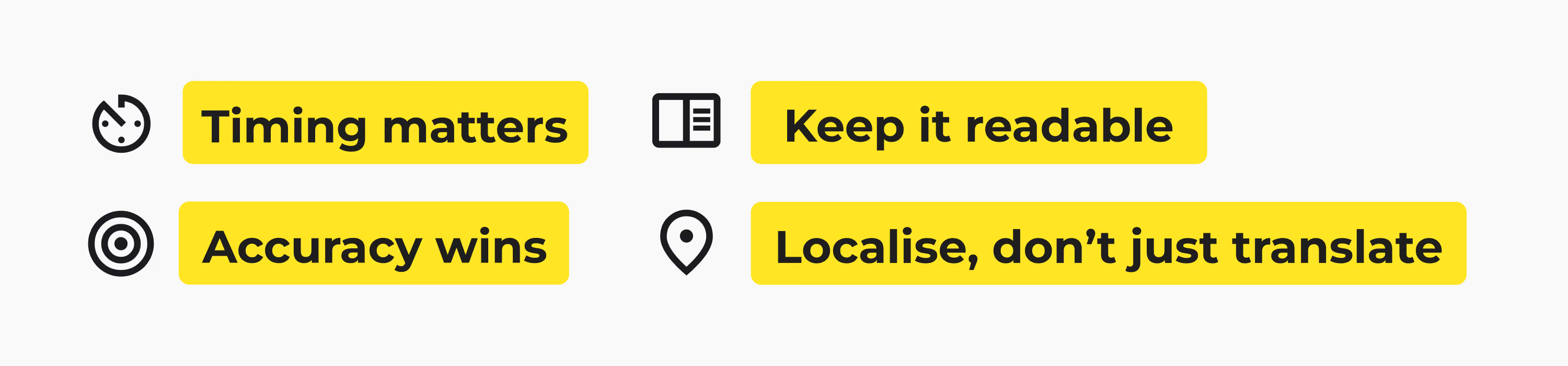
- Keep it readable: No one wants to pause a video just to finish one sentence. Keep captions concise and easy to scan.
- Timing matters: If subtitles arrive three seconds late, audiences have already moved on emotionally, mentally (and probably physically).
- Accuracy wins: Fast subtitles are great. Accurate subtitles are even better.
- Think localisation, not just translation: Language changes across regions, audiences and cultures. A direct translation might be technically correct, but still feel unnatural or miss the tone, context or intent of the original message.
Expanding your reach with Trint
Modern newsrooms operate under constant time pressure. And today, captions are no longer a post-production step. They're an essential part of the workflow that gets verified reporting from first word to first draft, as quickly and accurately as possible.
But how can news organizations keep up when breaking news stories, social distribution and broadcast output are all happening at once — often in real time?
Built-in transcription tools just don't cut it. Back in 2024, BBC News was heavily criticized for utilizing Instagram Reels' auto-generated captions, which came with a host of problems, including inaccurate transcription and sometimes even failing to appear altogether (Liam O'Dell).
So what is the answer? A purpose-built AI transcription tool like Trint.
With Trint, captions move into the heart of the newsroom workflow. Instead of waiting on manual transcription, teams can generate accurate text in minutes. Our AI-powered subtitle generator helps you create accurate captions in an instant, turning breaking news footage, live interviews and press briefings into verifiable reporting while the story is still unfolding.
Our advanced AI software can transcribe video in more than 40 languages, then translate in more than 50. Use our Caption Editor to check and verify your text, then export it as an SRT file ready to sync. Time codes are preserved in your transcript, making it easy to sync with your video.
Don't worry about security either. Because newsroom workflows often involve sensitive material, Trint is built with newsroom-grade protection in mind, including ISO 27001 certification and regional data hosting in the EU or US to support compliance and editorial control.
What might seem like a small addition can make or break your content. Captions can help audiences stop scrolling, stay engaged and absorb information more clearly. They make videos easier to follow in fast-moving feeds and busy environments. And in an era of misinformation and endless social content, that extra clarity helps trusted reporting cut through.
Ready to create captions faster and make more of your content? Trint helps teams generate accurate subtitles and translate with confidence. Book your demo today to find out how.




Datch Datchens
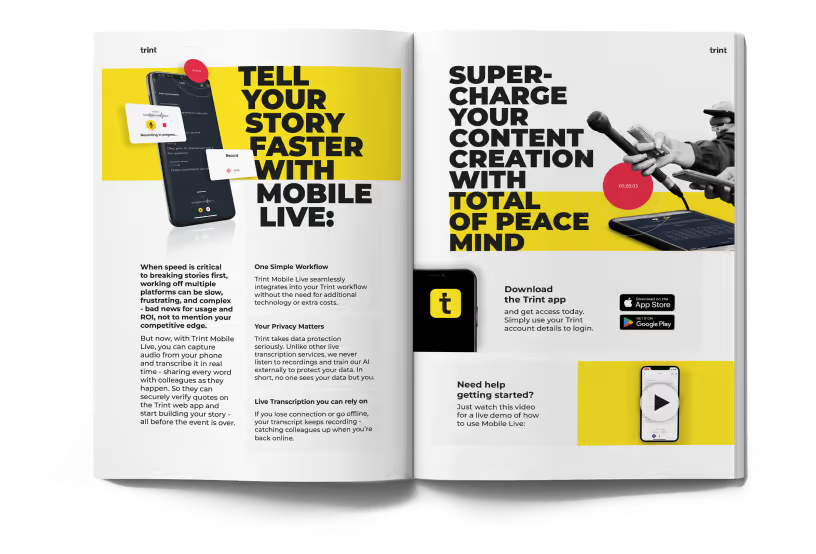
DON'T take our word for it
Download our eBook, Telling Stories Faster With Trint, and hear how Trint is making content creation faster, easier and, most importantly, painless for newsrooms across the world.
Download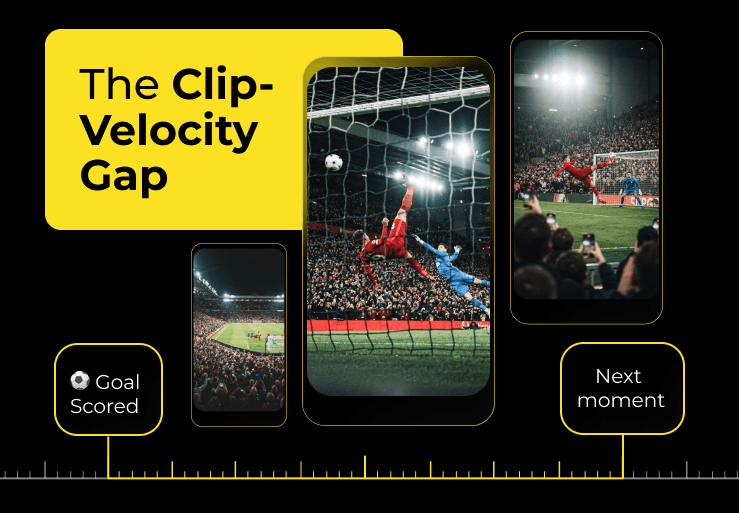
The Clip-Velocity Gap: Why traditional sports content production can't keep up with fan demand
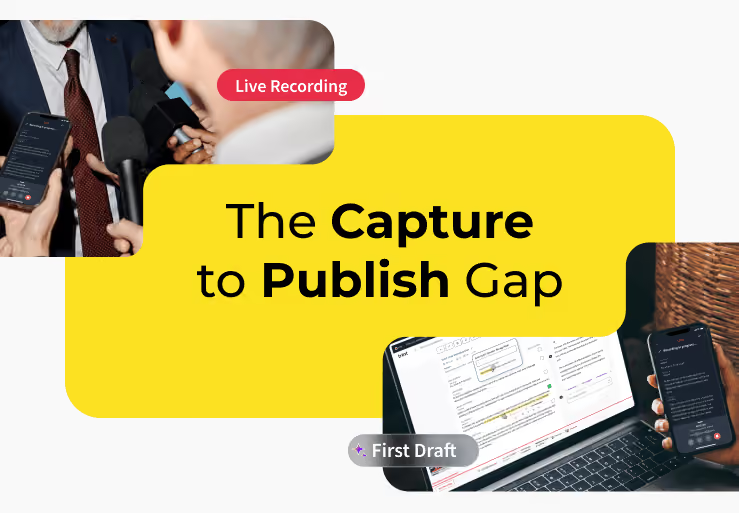
How newsrooms are using AI to bridge the capture-to-publish gap