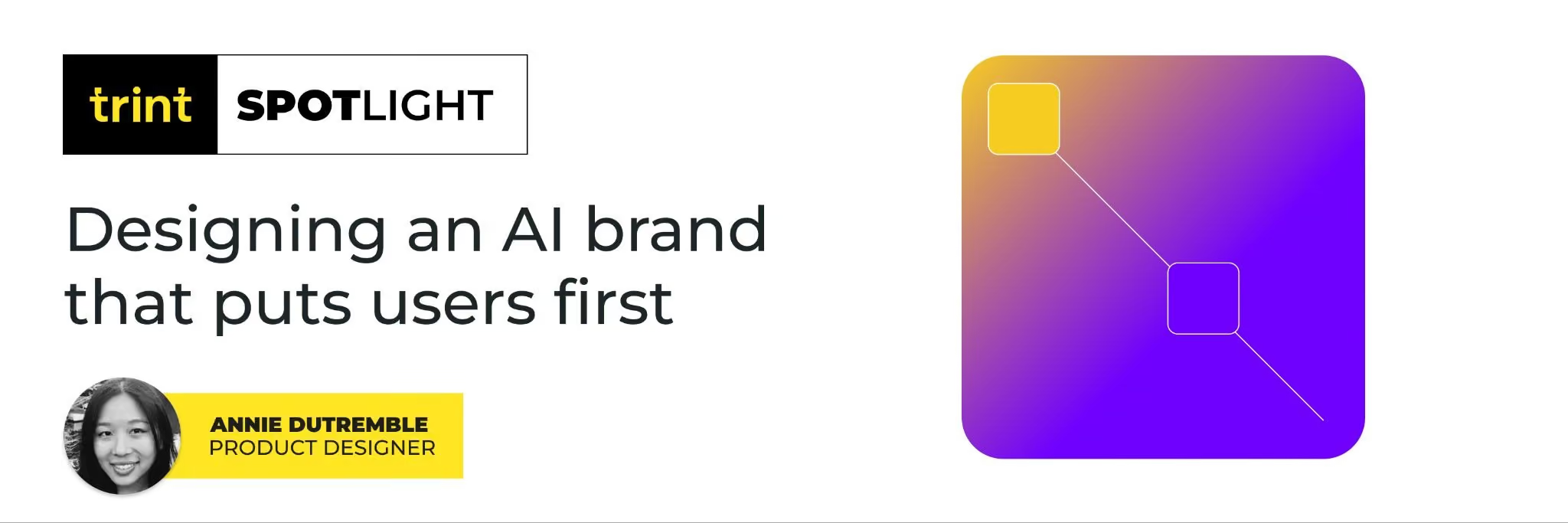
Everywhere you look right now, AI is wrapped in neon gradients. Purple textures, glowing blues, and bright pink hues have dominated the visual image of AI. It’s fun, it’s flashy… but is it actually helping users? That was the question we asked ourselves when thinking about how AI should live inside Trint. Should we follow the crowd and make AI look magical, or should we design it in a way that puts clarity and trust first?
When we started researching, there was a clear pattern across the industry. Tools like Gemini, Copilot, Loveable, ChatGPT, Perplexity (and plenty more) all lean into that same “futuristic glow” aesthetic. Gradients have made their comeback (yet again) and are everywhere 😅 Sparks of “AI magic.”
But here’s the problem: when everyone looks the same, it’s harder for users to tell products apart or to know where the brand stops and the AI begins. For Trint, that distinction matters. Our priority is giving users confidence. So instead of giving AI its own flashy identity or naming it something “other,” we decided to keep it unbranded.
Just like Trint’s approach to AI not snooping on everyone’s transcripts, our users deserve to know when they’re interacting with AI versus Trint itself. Keeping it simple and transparent builds trust, something we’ve heard from our users as a blocker for adoption.
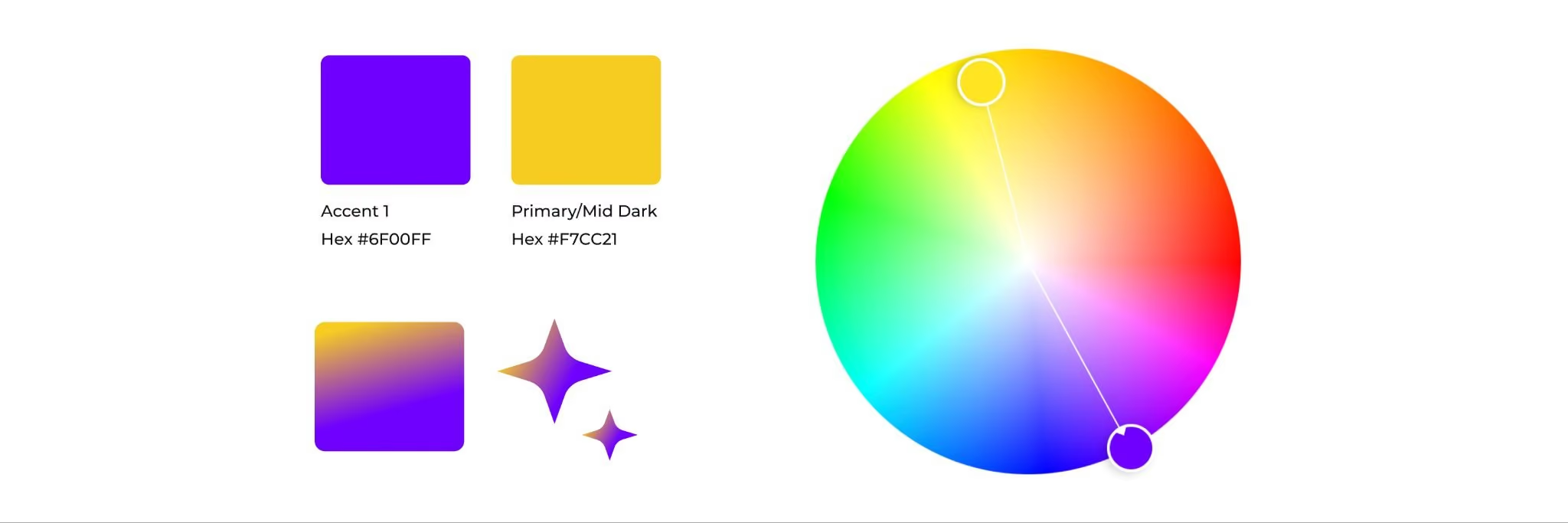
From a design perspective, purple gave us an elegant solution as it’s directly opposite of yellow – Trint’s primary color. That means anytime you see purple inside Trint, you know you’re interacting with AI. It’s distinct, but not competing.
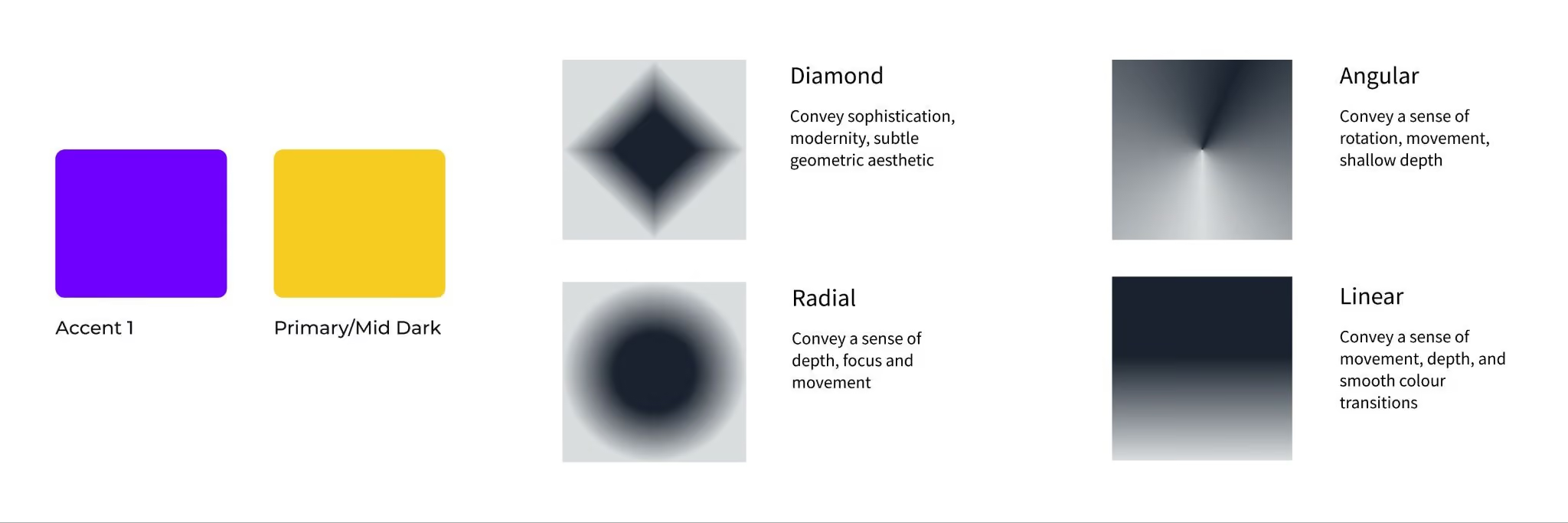
Here’s how we approached this task:
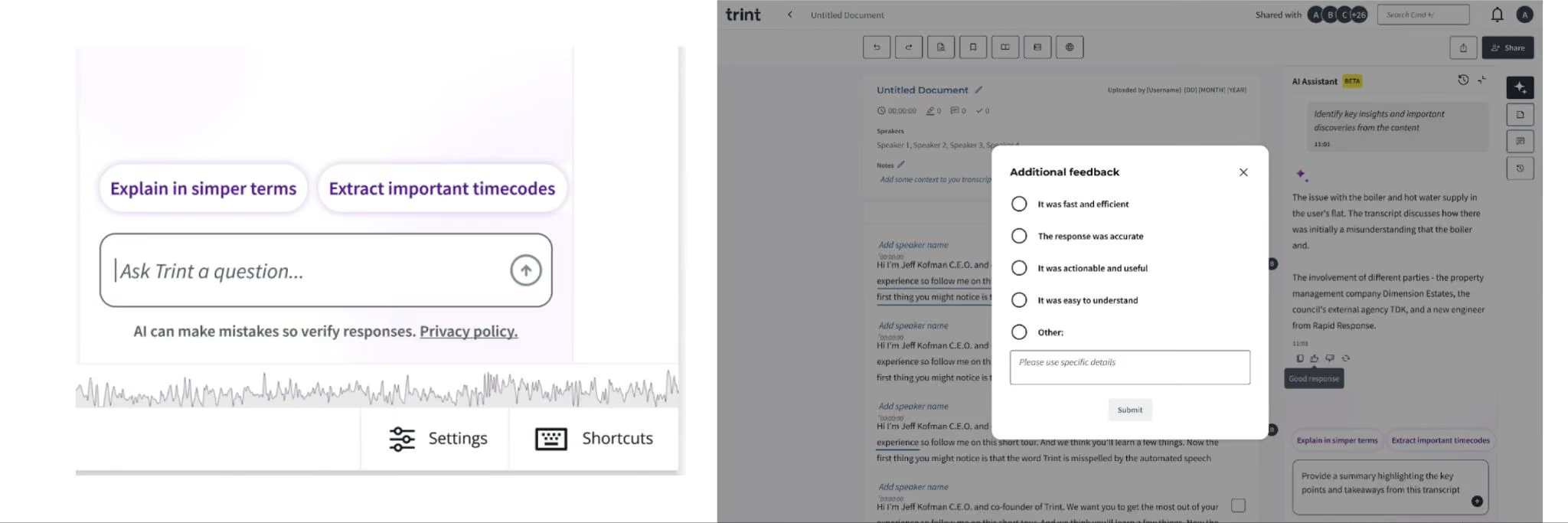
Apart from solely relying on colour, we aimed to build confidence through a feedback mechanism where users can give additional commentary based on the AI’s response. Good or bad, this kind of information is captured and of value for both the team and users.
As we continue to improve Trint’s AI Assistant, user feedback is pivotal in shaping the experience. Just like the disclaimer positioned below the input field is made to remind users each time that AI is not perfect and the importance of verifying before confirming what it says.
Smaller micro interactions like “Thinking…” also help users feel like the AI is working rather than just being static and not knowing what’s happening. We want to give users as much transparency and control with the feature so that it continues to be an important part of their workflow.
At the end of the day, this branding challenge was about making AI feel like a useful tool, not a gimmick. By staying aware of industry trends but designing through the lens of Trint’s brand values, we’re giving users an experience that feels familiar, transparent, and grounded.
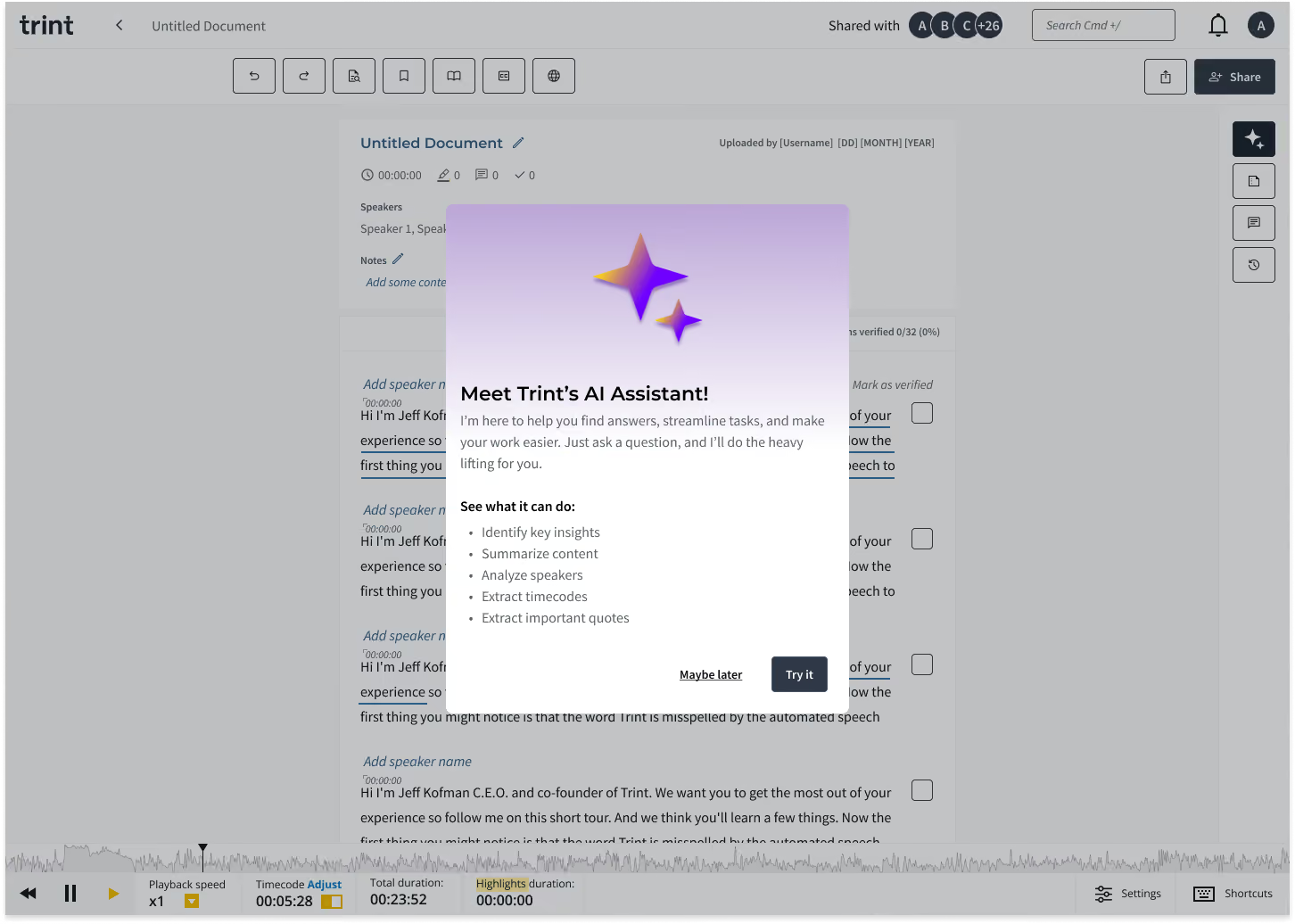
Now each time someone uses Trint, they’ll easily recognise when Trint’s AI is making a suggestion. Users have full control of whether to accept it or not, giving complete transparency over how AI is being used in transcriptions and any content created after. The same high standards of data security and privacy we’ve always prioritised at Trint still apply here..
Looking ahead, this approach positions us to adapt as AI continues to evolve. Trends will come and go, but trust is timeless. By keeping users at the center of our design decisions, we’re building a foundation that can grow with the technology without ever losing sight of what makes Trint, Trint.