

















Who is Trint's M4A transcription for?
Trint is designed for businesses, corporations and large organizations that need to convert M4A audio recordings into accurate transcripts fast. From global media outlets to law firms and financial companies, Trint helps teams accelerate content creation, improve communication and boost productivity.
Trint for Newsrooms
In today’s news cycle, accurate and rapid verification is more critical than ever. Trint helps newsrooms instantly transcribe M4A audio files from interviews, press conferences and recordings, enabling teams to fact-check and distribute stories faster.

Trint for Sports Broadcasters
Turn raw M4A audio from live commentary, conferences, live events or sideline interviews into transcripts quickly. Trint enables sports broadcasters to create content that engages global audiences and keeps fans connected in real-time.

Trint for Higher Education
With Trint, academics and researchers can easily convert research interviews, lectures or M4A-based discussions into text. Transcribe and analyse research, build digital archives and enhance communication across departments, all from a single platform.

Trint for Financial Services
Efficiently transcribe M4A files from meetings, client calls and presentations. Trint helps finance teams stay aligned across locations by turning audio into clear, actionable insights for reporting, decision-making and marketing.

Trint for Law Firms
Transcription bottlenecks slowing down your workflow? Trint's M4A-to-text converter lets law firms quickly transcribe client interviews, court hearings, dictation and more, freeing up time for the work that moves the needle.

We are different
M4A-to-text transcription may not be new, but Trint is. Designed for complex enterprises, our platform offers best-in-class security, seamless integrations and AI tools that enhance productivity at every stage of your workflow.

Data sovereignty
Why put your reputation on the line with high-risk transcription tools? Trint offers ISO 27001 certified security, EU and US storage options and granular access controls, giving you total data sovereignty.

Enterprise integrations
Trint integrates seamlessly into your existing workflows, so your team can hit the ground running. Our M4A transcription tool works alongside your current platforms, for fast adoption with minimal downtime or training required.

50+ languages
Working across multiple territories? No problem. Transcribe M4A files in over 50 languages. Then expand your reach by translating into 70+ languages, localizing content or scaling across regions. Need captions? Our subtitling software has you covered.
Our customer stories
The word is out. Find out why so many leading brands and businesses trust Trint’s M4A transcription software.










A workflow to fit yours
So, how does it work? Once you’ve chosen the right subscription for your business, you're ready to start. Here's how to transcribe M4As into text in three simple steps.
1. Upload your M4A
Go to the dashboard, upload your M4A and click 'Transcribe'. In just minutes, your transcript will be ready as an editable text document in the Trint Editor.

2. Verify, refine, export
Next, it's over to your team to review and refine the transcript. Invite collaborators, with or without Trint accounts, to edit together in real-time. Once everything is finalized, export in one of nine file formats.
3. Go beyond transcription
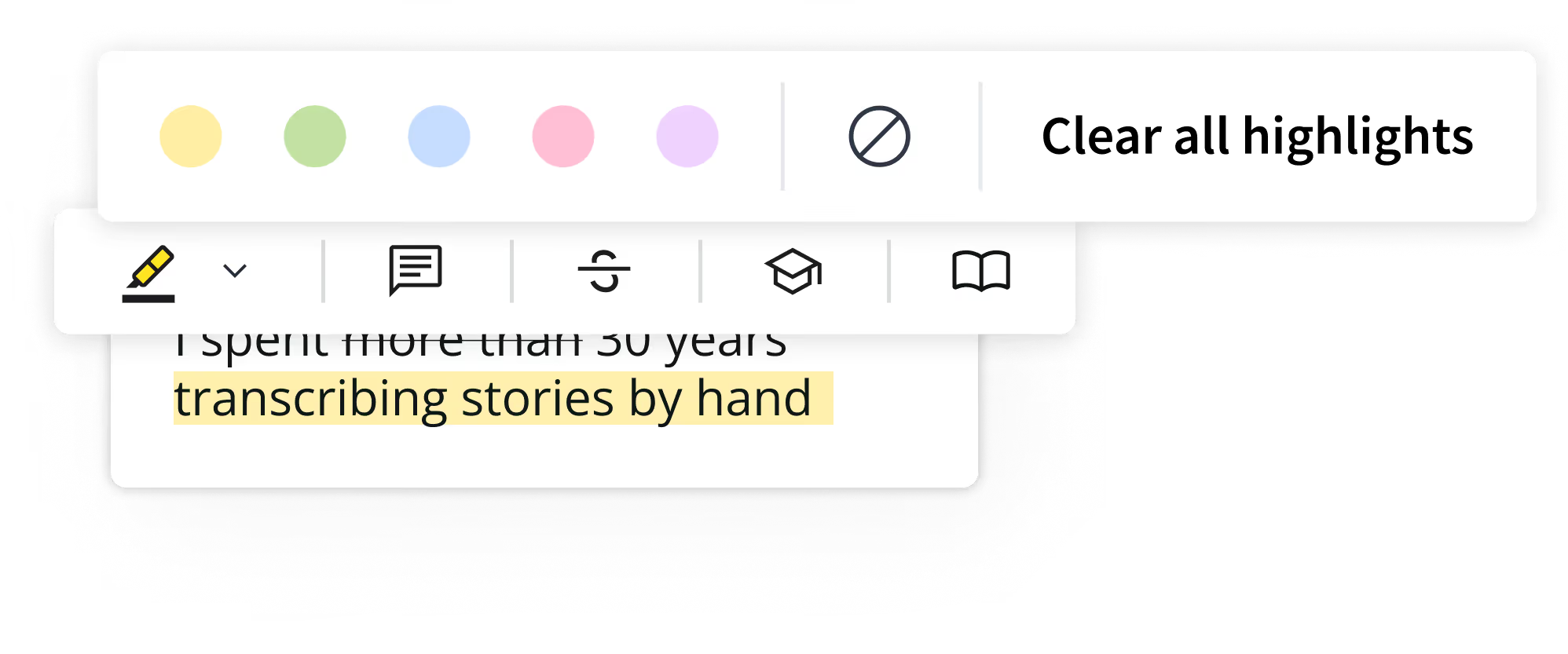
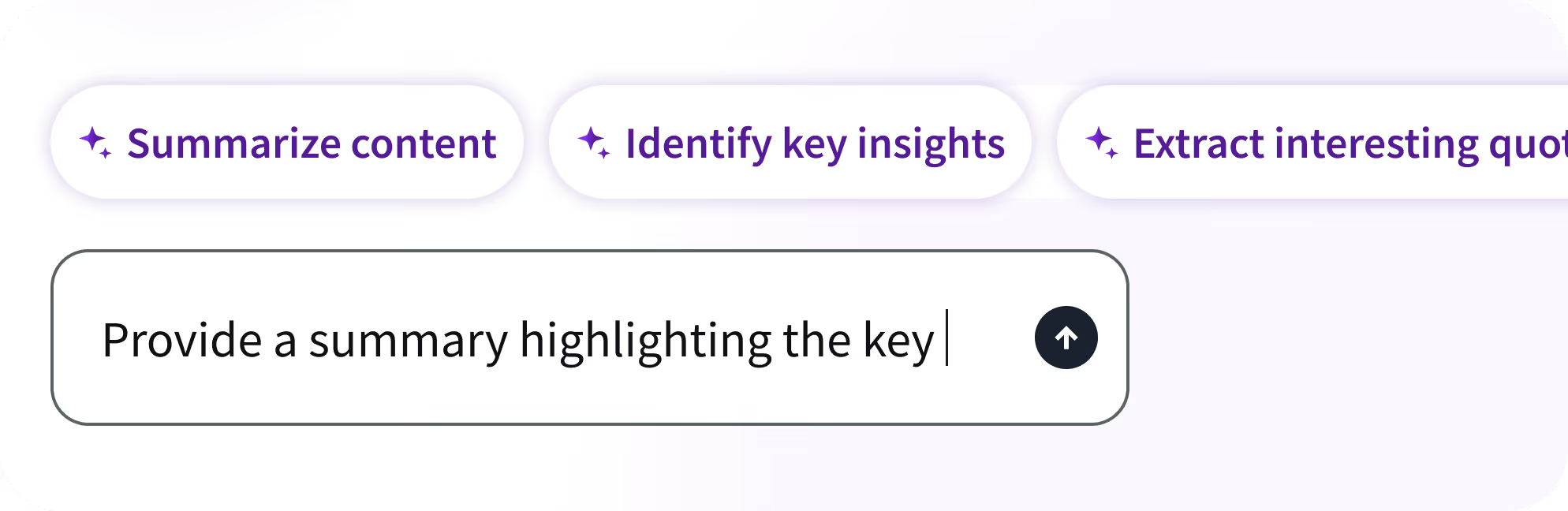
Transcription is just the beginning. Translate into 70+ languages, create captions or pull soundbites for marketing. Or, use AI Assistant to generate fast doc summaries and cut straight to the insights without the sifting.

Learn more about trint for BUSINESS
Speak to a
Trint expert today
FAQS
What file formats can Trint accept?
In addition to M4A files, our software can seamlessly convert AAC, MP4, MP3 and WAV files into text. Trint also handles voice messages and memos with ease. Upload videos in formats like MP4, WMA, MOV and AVI for quick transcription.
M4A files should be under three hours in duration and/or 3GB in size. If you need to transcribe a file that is larger than this, then you can break it up into smaller files before uploading.
Trint also offers nine export file types, so you can download and publish your finished content in your preferred file format. Read our guide to export formats to see the full list of file types.