At Trint, our mission has always been to transform spoken words into actionable, readable content. We've helped thousands of newsrooms and content teams turn hours of interviews, press conferences and podcasts into polished stories. But for all the time we save, we know there's one task that still slows you down: manually labeling speakers.
We get it. You’re super excited at how accurate your transcript is, and at how you can collaborate, edit, summarize, extract key insights – the whole nine yards! But you’ve still needed to manually go through the transcript and add the speaker’s name. Every. Single. Time.
We’ve heard you. And today, that changes.
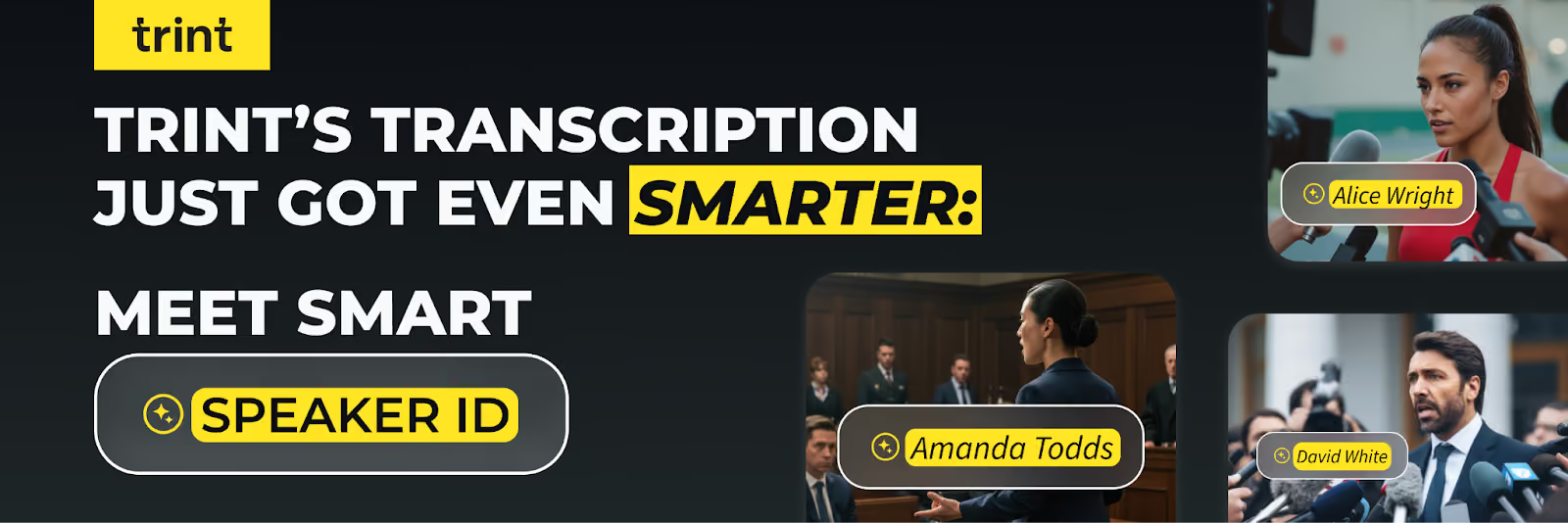
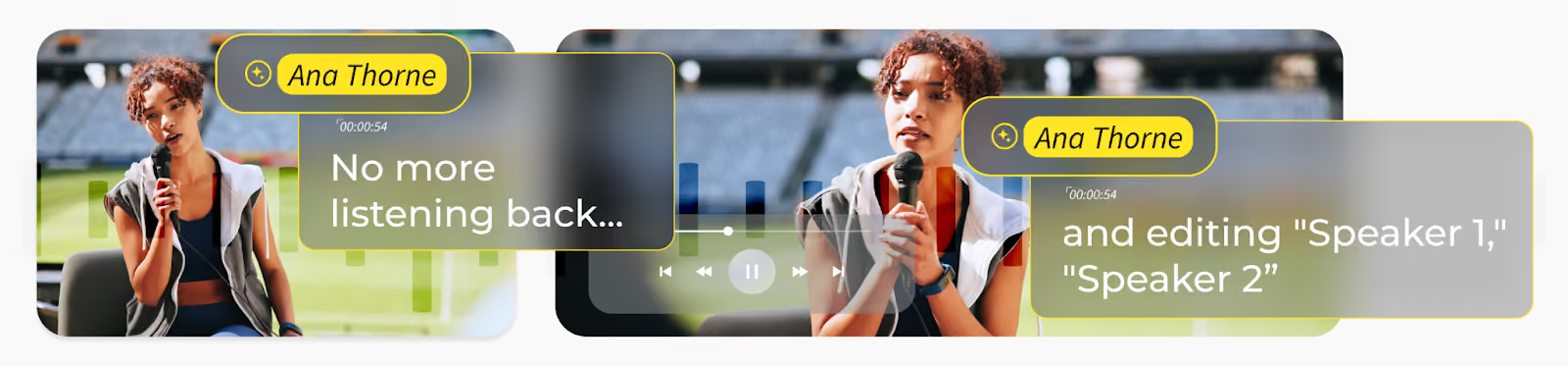
We're thrilled to announce the launch of Trint's smart speaker ID, an incredibly powerful new feature that automatically recognizes and labels speakers on your transcripts. No more listening back and editing "Speaker 1," "Speaker 2," and the rest. Our AI now does the work for you.
The process is intuitive and designed to fit seamlessly into your workflow. It all starts with a simple step: enrollment.
For more information on how to use Trint’s Automatic Speaker Recognition feature, read our support article.
It’s natural to feel a little nervous when a vendor starts hyping up a self-learning AI model. It’s got to be accessing your data, right?
Thankfully not. Other transcription solutions instruct their AI to learn from customer data but, for us, that’s an absolute no! Trint has been built with security in mind from the ground up. We’re GDPR compliant; ISO 27001 certified; our AI trains on external data models; you’re in control of whether to send data to the US or EU; and we encrypt your data in transit and at rest.
In summary, no one sees your data but you - which is why we committed to building this capability only if we could maintain the integrity of your data.
In a nutshell, the Automatic Speaker Recognition feature generates biometric 'voiceprints' to help distinguish and identify speakers within your audio or video content. However, these voiceprints are treated as 'special category' biometric data that’s only processed on your behalf or under your instruction. And we keep this data safe and secure by using it only for its intended purpose, which is to help distinguish between different speakers in your transcript.
Otherwise, our security and privacy principles prevail. Don’t hesitate to check our Security page for more information and peace of mind.
We built Automatic Speaker Recognition to solve a significant pain point for newsrooms. We get that some customers need a perfectly clean transcript that requires zero human intervention, while others understandably prefer keeping a human in the loop to review and approve the AI's work. The important thing is this feature empowers you to do both.
And what’s more; this is a collaborative tool for your entire team. The speaker library is shared across your user base, so once one team member enrolls a speaker - whether it's the President, Prime Minister, or the coach who just delivered another match win, everyone else on the team can benefit instantly. This eliminates redundant work and ensures consistency across your entire organization’s content.
Put simply, Automatic Speaker Recognition isn't just a new feature; it's a new way to work. It’s about getting you to the final story faster and with less friction.