















Transcribe Korean interviews, press briefings and reports in minutes. Verify quickly and use captioning and AI tools to localize and publish without delay.

From K League matches to post-game interviews, convert Korean speech to text instantly with the live transcription app. Bring news and updates to fans faster than ever before and take your content global with multilingual captions.

Trint for Production
Support high-quality Korean film, TV and digital production. Transcribe dailies, scripts and interviews into searchable text to speed up editing and streamline post-production workflows.

Capture Korean-language meetings, executive briefings and internal comms with precision. Reduce manual note-taking and keep distributed teams across APAC regions aligned with clear, searchable records.

Don't waste billable hours on manual note-taking or transcription. From client consultations to case materials, Trint supports secure, compliant automated transcription for legal teams operating in Korea and beyond.

With enterprise-grade security, seamless integrations and AI tools, Trint goes beyond basic transcription. Built for business, it doesn’t just convert Korean audio to text: it simplifies and accelerates your entire workflow.

Enterprise AI should be secure by default. Trint’s ISO 27001-certified platform offers flexible data hosting and granular access controls. We never train on your data or access your files.

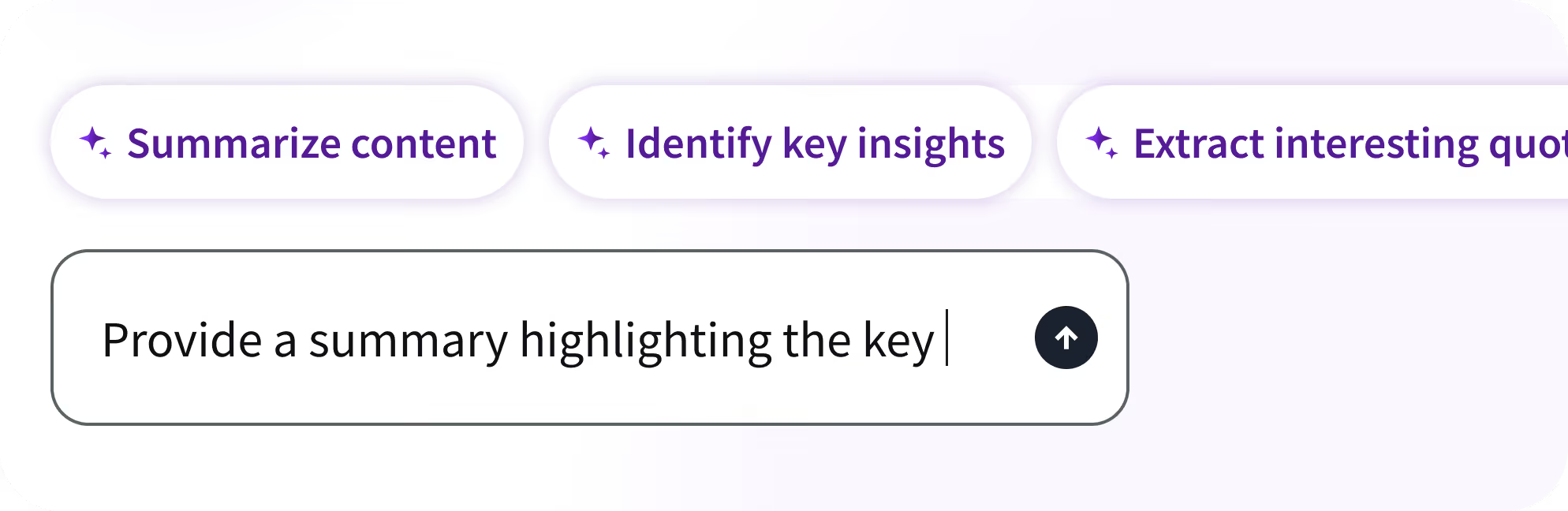
Work faster with AI tools that do the heavy lifting for you. Enter simple text prompts to analyze, summarize, extract insights and get to your first draft in less time.

Trint goes beyond standard Korean transcription. With support for 50+ transcription languages — including German, Portuguese, Spanish and Russian — teams can scale content globally while maintaining accuracy and control.
Our customers love Trint, but don’t just take our word for it. Hear from leading organizations using our AI transcription software every day.


Why change the way your team works just to integrate a new transcription tool? Trint fits right into your existing stack alongside the apps you already use. Your workflow, your way.
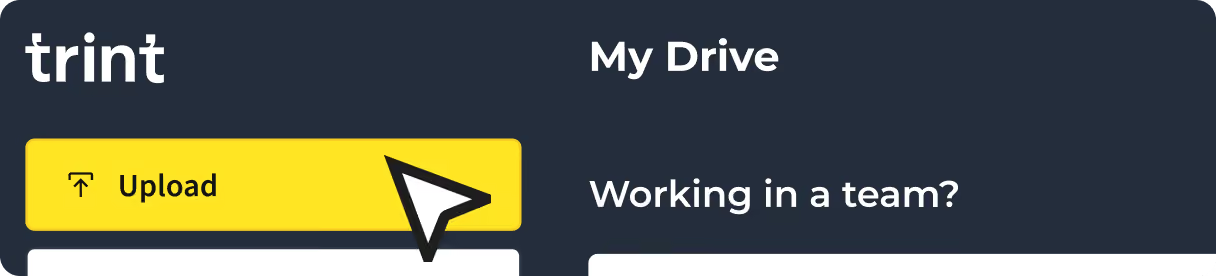
Trint supports MP4, MP3 and WAV formats, along with voice notes and messages. Head to the Dashboard, hit Transcribe and your Korean transcript is ready in minutes.
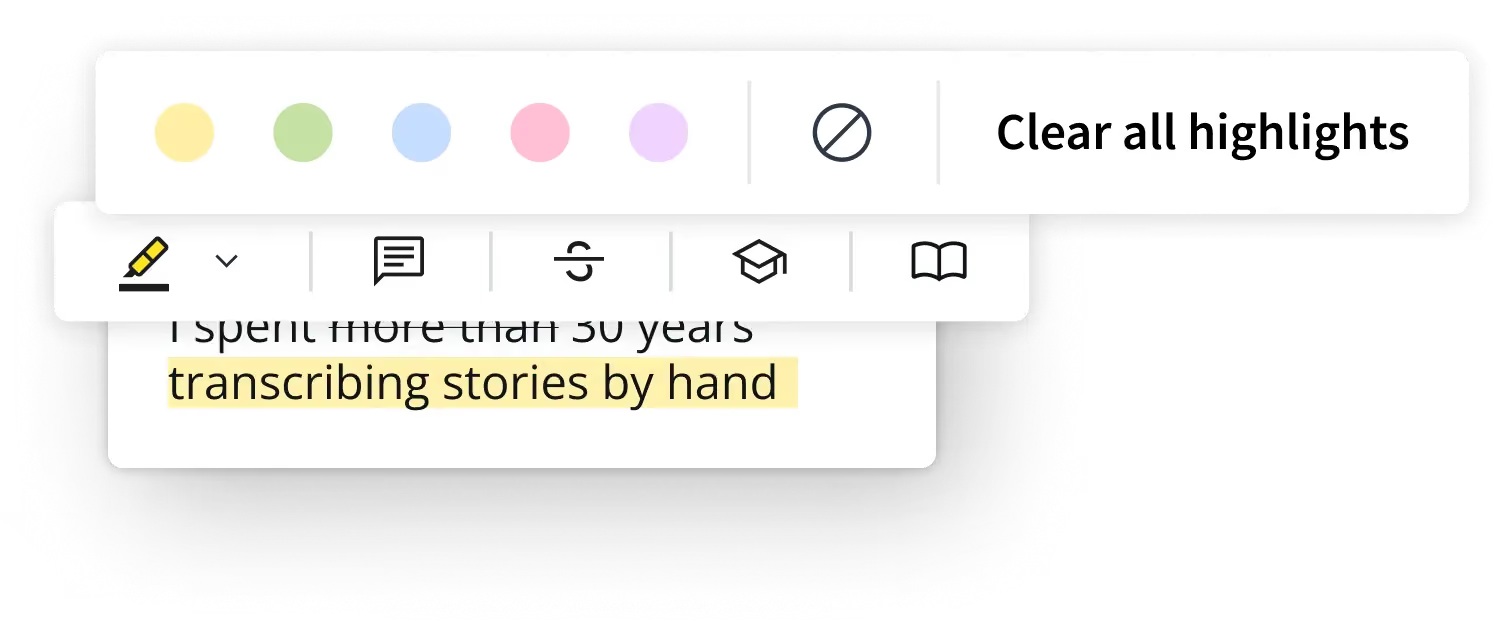
Edit Korean transcripts like any document. Search key phrases, verify quotes in context and collaborate across global teams working with Korean content. Export in your preferred format when ready.
Translate Korean transcripts into 70+ languages, generate captions and localize content for regional and global audiences. Create once, distribute everywhere with ease.

FAQ Answer
Trint can convert AAC, WAV, MP4, M4A, and MP3 files to text. Videos can be uploaded as MP4, WMA, MOV, and AVI files. Trint can also convert voice memos and voice messages to text.
Audio files should be under three hours in duration and/or 3GB in size. If you need to transcribe a file that is larger than this, then you can break it up into smaller files before uploading.
Trint also offers nine export file types, so you can download and publish your finished content in your preferred file format. Read our guide to export formats to see the full list of file types.
Unfortunately, Trint can’t accept links to video files, including YouTube videos. However, if you own the original video file, you can upload this as an MP4, WMA, MOV or AVI file.
You can export finished subtitles as a SubRip (.srt) file. This will provide captions and timecodes that can be synced up with your video later on using editing software.
The Trint Caption Editor allows you to quickly and easily add accurate subtitles to any MP4, AVI, MOV or MWA file. Your captions can then be exported as an SRT file.
Please note that files should be under three hours in duration and/or smaller than 3GB in size. If you need to add captions to a video that is larger than this, you will need to break it into smaller files first.
Trint’s software is ISO 27001 certified with servers in the US and EU, so you can rest assured your data is safe with us. HTTPS (TLS 1.2+) encryption ensures your data is secure between your browser and our servers. Once your data is stored in our servers, it’s encrypted with the industry standard AES-256 algorithm for additional peace of mind.
Our team will never access your files without your express permission and we don’t use your data to train our AI software. Trint also features granular access permissions, so you can control the flow of sensitive data within your organization. Read our data and security guide to learn more.
Yes! Trint’s Caption Editor allows you to playback, verify and edit your captions. You can then share your file with team members and guests to collaborate on edits.
Trint can generate subtitles in more than 50 languages. View the full list of supported languages to learn more.